![[Laser cut and engrave] Scorpious Dream Catcher Template](https://image-res.atomm.com/resource/xtool/community/attachment/xtool-community/007b4f0b-863a-4860-84c4-148e1f22eae5?x-oss-process=image/resize,w_1200,h_900,limit_0/interlace,1/format,webp/auto-orient,1)
![[Laser cut and engrave] Scorpious Dream Catcher Template](data:image/png;base64,iVBORw0KGgoAAAANSUhEUgAAAAoAAAAKCAYAAACNMs+9AAAAAXNSR0IArs4c6QAAABdJREFUKFNjZCASMBKpjmFUId6QIjp4AAppAAuXjCs4AAAAAElFTkSuQmCC)
![[Laser cut and engrave] Scorpious Dream Catcher Template](https://image-res.atomm.com/resource/xtool/community/attachment/xtool-community/007b4f0b-863a-4860-84c4-148e1f22eae5?x-oss-process=image/resize,w_200,h_150,limit_0/interlace,1/format,webp/auto-orient,1)
![[Laser cut and engrave] Scorpious Dream Catcher Template](https://image-res.atomm.com/resource/xtool/community/attachment/xtool-community/151e88b3-9058-49fb-9fd1-b2240f3976ee/dream Catcher-laser-cut-files-lasercutano-4.jpg?x-oss-process=image/resize,w_200,h_150,limit_0/interlace,1/format,webp/auto-orient,1)
![[Laser cut and engrave] Scorpious Dream Catcher Template](https://image-res.atomm.com/resource/xtool/community/attachment/xtool-community/e55b5ed5-b14c-4a60-b473-82f65fb5191b/dream Catcher-laser-cut-files-lasercutano-3.jpg?x-oss-process=image/resize,w_200,h_150,limit_0/interlace,1/format,webp/auto-orient,1)
![[Laser cut and engrave] Scorpious Dream Catcher Template](https://image-res.atomm.com/resource/xtool/community/attachment/xtool-community/6b6baee9-cc17-4388-bdc8-35acaa68877a/dream Catcher-laser-cut-files-lasercutano-2.jpg?x-oss-process=image/resize,w_200,h_150,limit_0/interlace,1/format,webp/auto-orient,1)
蝎子捕梦网模板
 教程
教程
Dream Catcher Scorpion
.xcs
应用场景
激光 (30min)
机器与模块

xTool S1
20W材料兼容的 xTool 机器
上新
M2
10W, 20WF2 Ultra UV
5WF2
15WP3
80WF2 Ultra
40WF1 Ultra
20WM1
5W, 10WD1
5W, 10W, 20WD1 Pro
5W, 10W, 20W, 40WP2
55WF1
10WS1
10W, 40WM1 Ultra
10W, 20WP2S
55W使用的材料

3mm椴木胶合板

3毫米椴木胶合板

217
3464
教程
1
步骤1: 使用 xTool 创意空间

预览
开机开关,在电脑上打开xTool Creative Space,拖入所需的XCS文件,将300*600*3mm胶合板放入机器,刷新页面,点击范围,调整参数,准备切割。使用S1机器时,你需要打开气泵,以防止激光切割时板子发黄和变色。
BLACK LAYER
- 请点击屏幕左下角的图标,确保你打开了"Layer and Object List"。
- 选择黑色图层(该图层包含切割路径)。
- 将黑色图层的处理类型设置为"切割"。
- 点击"EasySet panel"以打开所选图层的功率和速度设置。
- Set the Power (S1-20w: 100)
- Set Speed (S1-20w: 5)
- Set pass number (S1-20w: 1)
2
步骤2: 切割后

预览

预览
切割后你有5个元素。
你应该把装饰品的所有元素粘合在一起。
你可以先上漆再粘合。
3
步骤3: 完成

预览
让星辰的魔力在你的空间闪耀,用这只精致的星座捕梦网!
评论
二创



您可能也喜欢
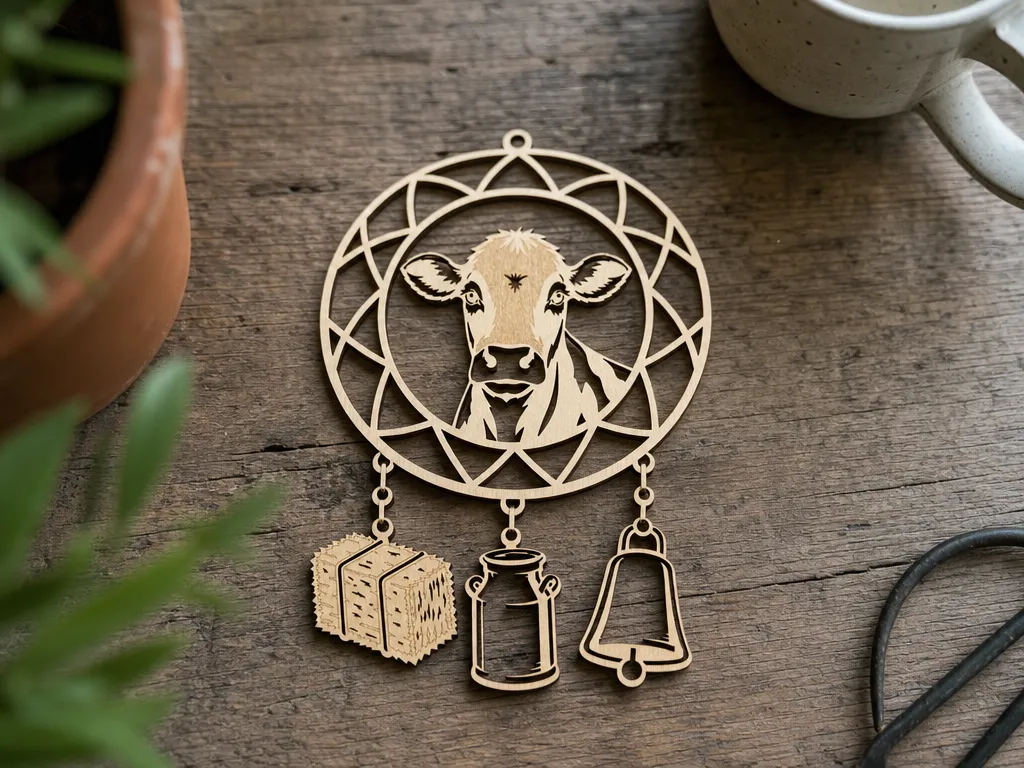
牛与农场主题捕梦网悬挂装饰品,配有干草捆、牛奶罐和牛铃

4
19

丙烯捕梦网(家居装饰礼物)

41
75

超级英雄捕梦网

0
3

激光切割仙女坐在月亮上 装饰性捕太阳器

8
57

虎头叠雕刻装饰

66
297

星座捕梦网挂挂装饰品

63
556

古式叠式八卦阵

45
119

太阳捕光器

20
25

$1.99
$1.99
$6.64
Credits199
组合
黄道捕梦网套装

62

圣诞捕梦网

22
91
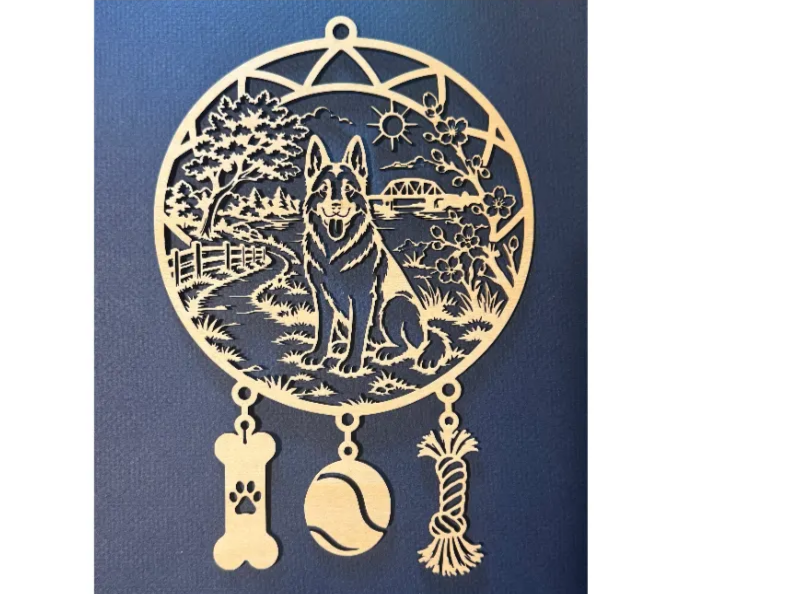
德国牧羊犬挂挂捕梦网,附带风景和宠物吊饰
0
11
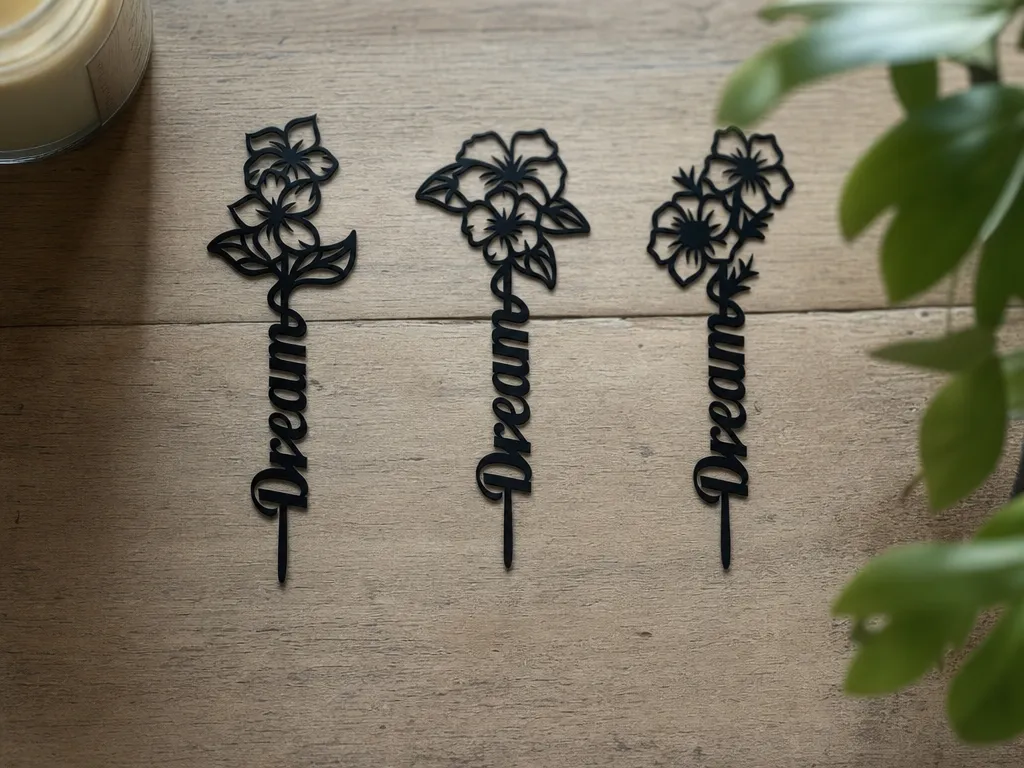
花梦字蛋糕装饰套装

0
0

捕梦网

10
42

激光切割木制龙形捕太阳器,配有精细卷轴工艺
12
100

叠花装饰
50
151

捕梦网

50
138
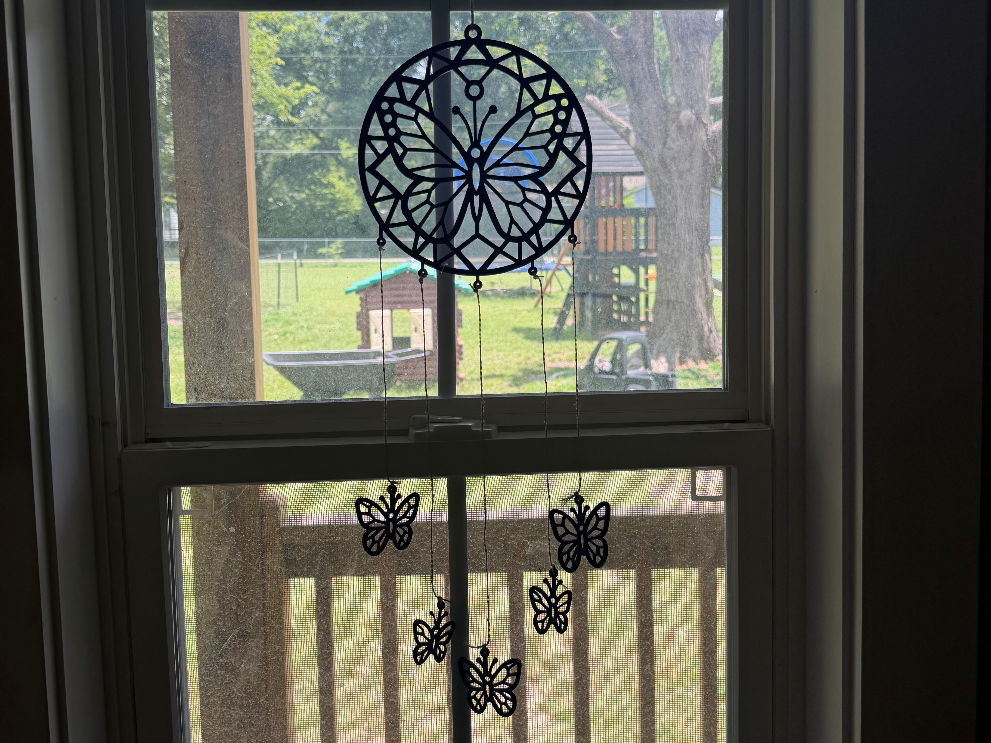
蝴蝶捕梦网窗框

0
1

纸雕蝴蝶
26
131