
Report
![[Laser cut and engrave] Leather Golf Themed Round Coaster with Quote](https://image-res.atomm.com/resource/xtool/community/attachment/xtool-community/aec6cf7a-f659-40d5-9170-a3bf38969e5b.jpg?x-oss-process=image/resize,w_1200,h_900,limit_0/interlace,1/format,webp/auto-orient,1)
![[Laser cut and engrave] Leather Golf Themed Round Coaster with Quote](data:image/png;base64,iVBORw0KGgoAAAANSUhEUgAAAAoAAAAKCAYAAACNMs+9AAAAAXNSR0IArs4c6QAAABdJREFUKFNjZCASMBKpjmFUId6QIjp4AAppAAuXjCs4AAAAAElFTkSuQmCC)
![[Laser cut and engrave] Leather Golf Themed Round Coaster with Quote](https://image-res.atomm.com/resource/xtool/community/attachment/xtool-community/aec6cf7a-f659-40d5-9170-a3bf38969e5b.jpg?x-oss-process=image/resize,w_200,h_150,limit_0/interlace,1/format,webp/auto-orient,1)
![[Laser cut and engrave] Leather Golf Themed Round Coaster with Quote](https://image-res.atomm.com/resource/xtool/community/attachment/xtool-community/dd820b27-b4e7-4b23-a802-1eca68a88a25.jpg?x-oss-process=image/resize,w_200,h_150,limit_0/interlace,1/format,webp/auto-orient,1)
Leather Golf Themed Round Patch with Quote
 Instruction
likegolf3peoplepatch
.xcs
Application scenario
Laser processing (8min)
Machine & module

xTool S1
20WCompatible xTool Machine
New
M2
3W, 10W, 20WF2 Ultra UV
5WF2
5W, 15WP3
5W, 80WF2 Ultra
40W, 60WF1 Ultra
20WM1
5W, 10WD1
2W, 5W, 10W, 20WD1 Pro
2W, 5W, 10W, 20W, 40WP2
55WF1
2W, 10WS1
2W, 10W, 40WM1 Ultra
10W, 20WP2S
55WF2 Ultra (Single)
60WMaterial used

Deep Brown PU Leather

31
640
Information
Another gift for my stepson: a laser-engraved leather patch showcasing how many people he likes
Instruction
1
Step1: Design Phase
Typed out the quote in Illustrator, played around with the font and layout to fit the round coaster shape, then exported the finished file to xTool Creative Space.
2
Step2: Material and Laser Prep
Wiped the leather down with isopropyl alcohol first to get rid of any oils or debris, then let it air dry completely. Positioned it on the laser bed, ran the framing check to make sure everything was centered, adjusted the settings for PU leather, and kicked off the engrave.
3
Step3: Finishing Touches

Preview

Preview
After the engrave finished, used a lint-free cloth with a little isopropyl alcohol to clean off the residue. Gave it a minute to dry and it was good to go — ready to use or wrap up as a gift.
Comments
Remixes



You may also like

Golf Ball Leatherette

2
70

Blue Leatherette Patch with Funny Wallet and Onion Quote

1
1

Laser Cut Wooden Dad Bod Coaster with Funny Engraving

1
5

Leatherette Patch Beer Molecule Chemistry

1
34

$1.50
$1.50
Credits150
Laser Engraved Wooden Coasters with Highland Cow Sports Golf Football Coffee and Music Designs

1

Square slate coaster with funny quote about dads, moms, and peanut butter

0
0

I Love Sushi funny custom Hat patch ADULT HUMOR

3
7

Laser Engraved Slate Coaster with Humorous Mug Quote

3
11

Laser Engraved Leather Patch with Plague Doctor Design and Quote
7
39

Oval Leather Patch with Stitch Holes

0
5

Laser Engraved Dog Themed Slate Coaster with Funny Quote

26
141

Laser Engraved Slate Coffee Coaster with Humorous Quote
7
36
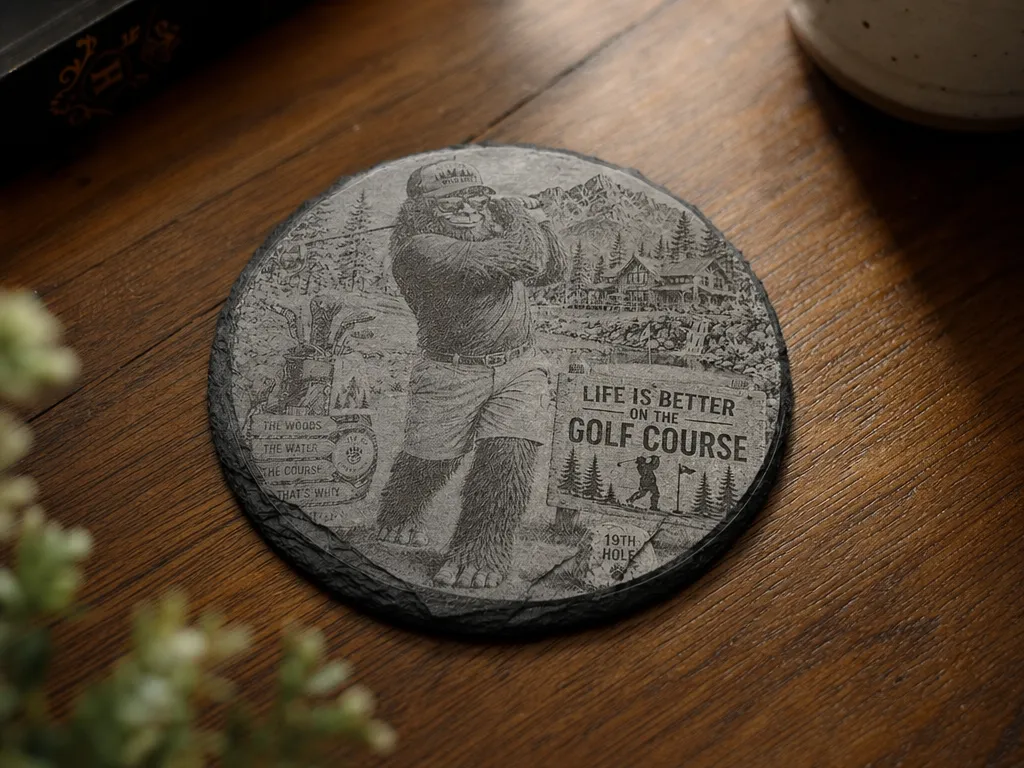
Round Slate Coaster Featuring Bigfoot Playing Golf

0
5

Round Stone Slate Coaster with Nothing Is Written In Stone Quote

12
27

Leather PU Patch
1
6

Posavasos Ecopiel Escudos Futbol // Leather Coaster Futbol team player

2
33

Laser Engraved Whisky Slate Coaster with Funny Quote

142
886

Laser Engraved Slate Coaster with Coffee Mug Quote
3
23