
Designing a custom hat comes down to two early choices: the cap style and the decoration method. Get those right, keep the artwork bold and simple, and the rest is easy. This guide walks you through designing a cap from blank to finished sample.
Key Takeaways
- Two choices shape everything: the hat type and the decoration method.
- The usable front area is small (about 2–2.5 inches tall) — keep designs bold and simple.
- Design first, then produce: embroidery, a leather patch, or vinyl each need different prep.
- Atomm's AI Font Generator creates custom lettering for your cap with no design software.
What do you need to design a hat?
You need a blank cap, a design, and a decoration method. Custom headwear is a healthy market — the global headwear market was worth roughly $30 billion in 2024 (per SkyQuest Technology), and caps are its largest segment. Demand for personalized, made-to-order pieces keeps climbing.
Start by picking the cap style, because it limits your options. A structured baseball cap holds embroidery best; a soft beanie suits a laser-engraved leather patch.
How to design a hat, step by step
The workflow is short and beginner-friendly. Follow it in order and you'll avoid the most common mistakes.
- Choose your hat type. Baseball cap, trucker, dad hat, snapback, or beanie. This drives every later choice.
- Create the design. Favor one bold icon plus short text. Design at the real size.
- Choose your fonts. Use one or two legible fonts, and skip thin scripts and tiny serifs — a bold logo font works well on caps.
- Set the placement. Front-center is the default and most visible. Side and back are common too.
- Prep the artwork. Keep it bold, simple, and limited to a few colors so it survives on a small panel.
Design tips for caps
Design small and bold. The front panel gives you only about 2–2.5 inches of height on a curved surface, so fine detail disappears. Simple shapes and thick letters win.
- Keep it simple. One clear icon and short text read better than a busy layout.
- Mind the font. Small stitched or engraved letters need weight; thin fonts collapse.
- Limit colors. Embroidery and patches favor a few colors — cleaner and cheaper.
How to design and add logos to your cap?
Your cap's logo is only as strong as its artwork. Atomm's AI Font Generator lets you create custom lettering with no design software — here's how to make it and get it ready for your cap.
Create your lettering. Open the AI Font Generator, then upload a style reference or describe the look you want.

Generate your text. Type your brand name or slogan, and the AI creates matching lettering in that style.
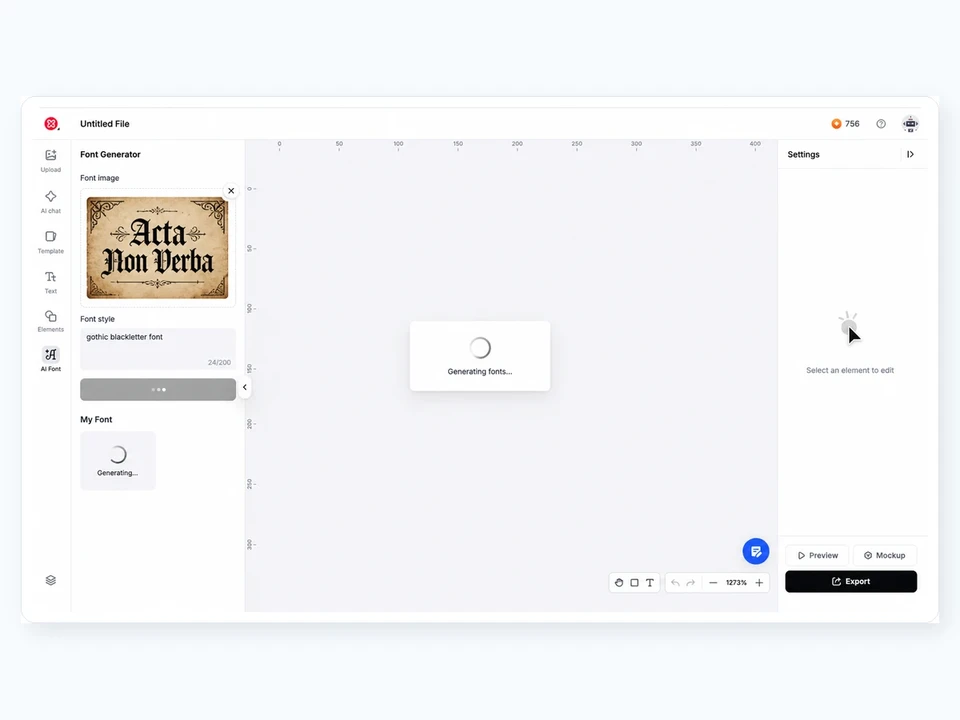
Refine it on the canvas. Adjust the weight and spacing until it reads cleanly at a small size, then download it.

Prep it for your cap. Clean the edges with the Background Remover, then send it to embroidery digitizing or cut it as a leather patch or vinyl.
Free to generate & export
Which decoration method should you use?
Now your design is ready — it's time to put it on the cap. Match the method to your look, budget, and quantity. Embroidery is the classic cap finish; a laser-engraved leather patch is a maker favorite.
| Method | Best for | Durability | Note |
|---|---|---|---|
| Embroidery | Premium, branded caps | Highest | Needs digitizing; keep art simple |
| Leather patch | Rugged, branded maker look | High | Laser-engrave the patch, then attach |
| Heat transfer vinyl | DIY one-offs, text | Moderate | Easiest entry; struggles on mesh |
| Screen printing | Big runs, flat panels | High | Hard on curved or foam panels |
| DTF | Full-color, small runs | Very good | Handles curved surfaces well |
Rule of thumb: bold logo and premium feel → embroidery or a leather patch; full-color art → DTF; simple DIY → vinyl. Always approve one sample first.
Good cap ideas to get you started
Need inspiration? Here are 10 real cap and beanie designs from the Atomm community, across methods and styles.
1. World Champions Embroidered Cap
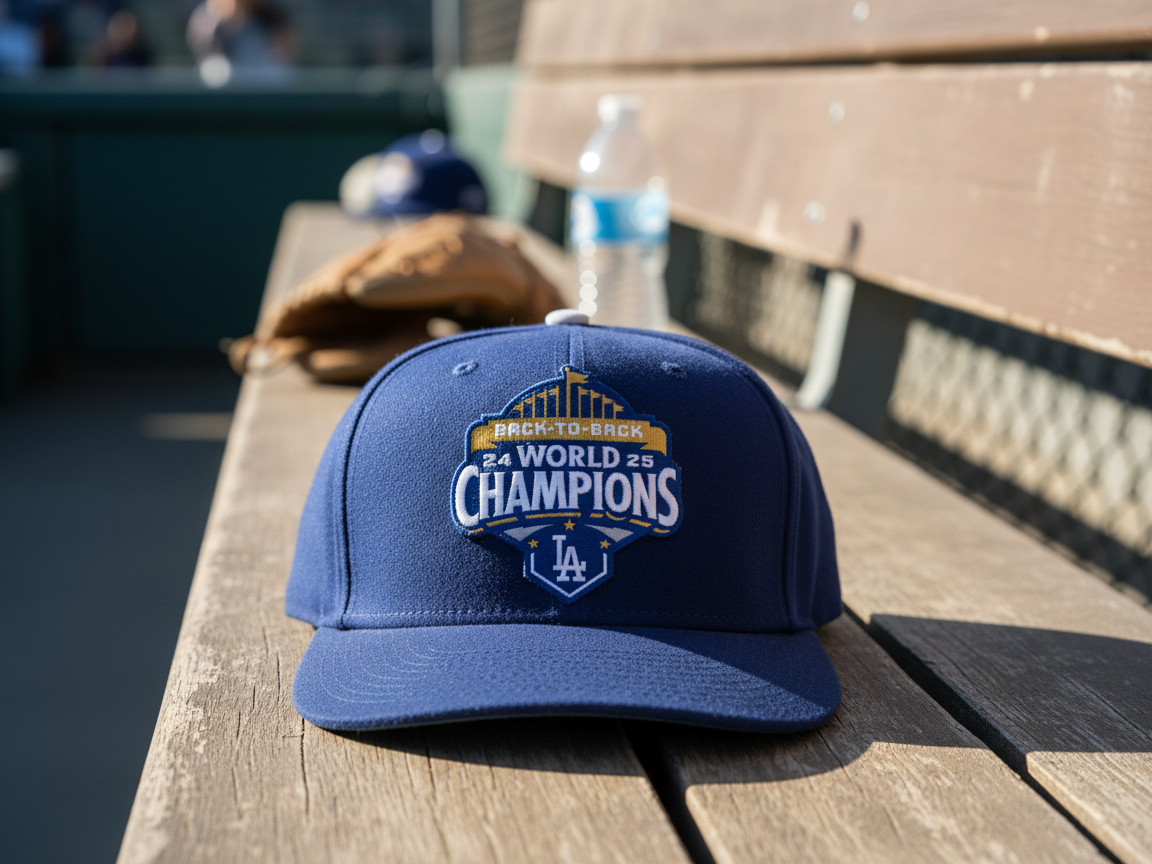
- Application scenario: Embroidery
- Item: Baseball cap
- Style: Sports / team
A blue baseball cap with bold "Back-to-Back World Champions" embroidery. Sports and team designs are a headwear staple — clean, confident lettering stitched on the front panel reads instantly from across a field.
2. Engraved Custom Baseball Cap
- Application scenario: Laser engraving
- Item: Baseball cap
- Style: Custom minimalist
A cleanly engraved baseball cap with a personalized mark. Laser engraving gives a subtle, tonal finish that suits minimalist designs and small-batch custom orders without the setup of embroidery.
3. Leather Side-Patch Baseball Cap
- Application scenario: Leather patch
- Item: Baseball cap
- Style: Rugged branded
A baseball cap finished with a laser-engraved leather side patch. Patches give a rugged, premium branded look and are one of the easiest ways for makers to add a logo to a cap.
4. Coffee Adventure Beanie
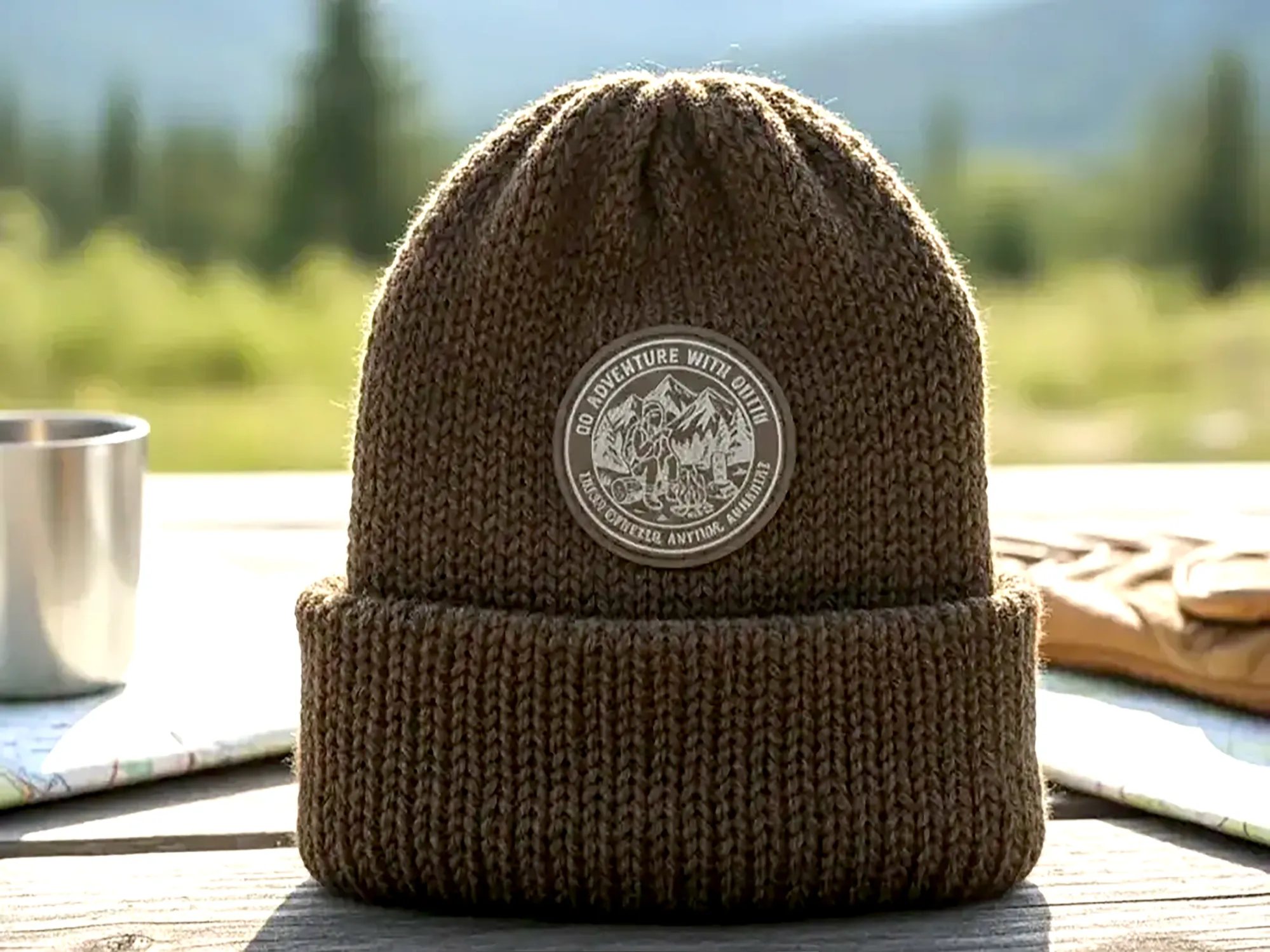
- Application scenario: Laser-engraved leather patch
- Item: Beanie
- Style: Outdoor adventure
A knit beanie topped with a laser-engraved "coffee adventure" leather patch. Outdoor and lifestyle themes pair perfectly with the warm, textured look of engraved leather on knitwear.
5. Butterfly Leather-Patch Beanie
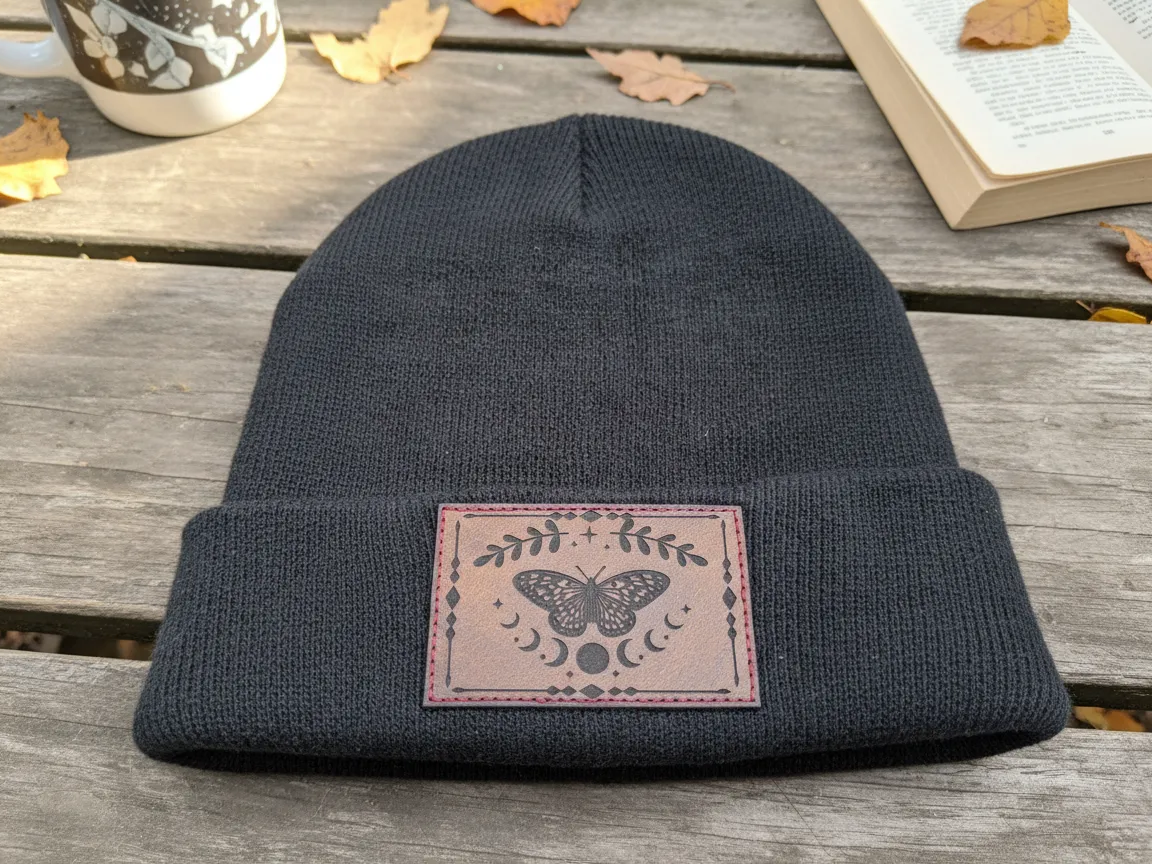
- Application scenario: Laser-engraved leather patch
- Item: Beanie
- Style: Nature minimal
A black knit beanie with a delicate engraved butterfly leather patch. A single, simple motif on a neutral beanie is an easy, elegant design that appeals to a wide audience.
6. Minimalist "67" Beanie
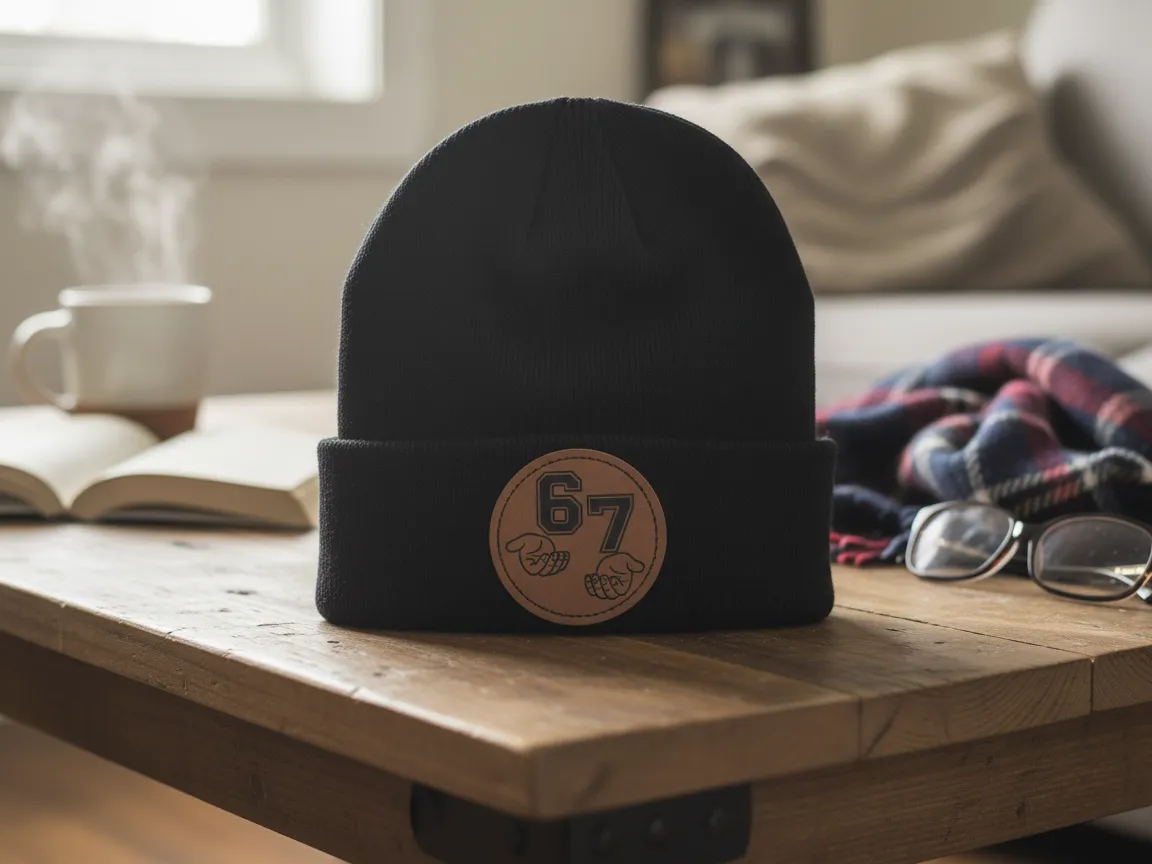
- Application scenario: Laser-engraved leather patch
- Item: Beanie
- Style: Minimalist number
A black beanie with a simple engraved "67" leather patch. Numbers, initials, and est. dates make quick, personal designs — proof that a strong cap concept doesn't need to be complex.
7. Christmas Bear Beanie
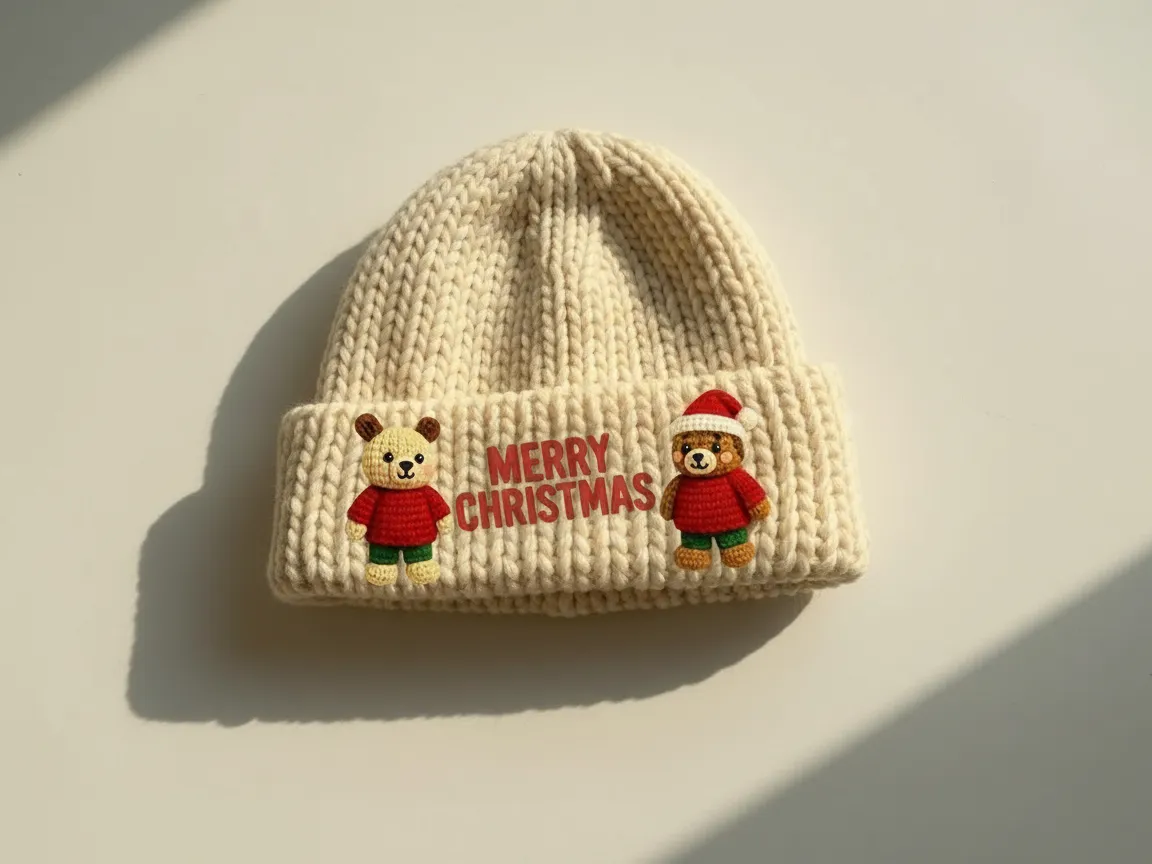
- Application scenario: Embroidery
- Item: Beanie
- Style: Festive cute
A knitted Christmas beanie with a cute embroidered bear. Seasonal, character-driven designs sell fast around holidays, and embroidery gives them a cozy, gift-ready finish.
8. Gray Knit Leather-Patch Beanie
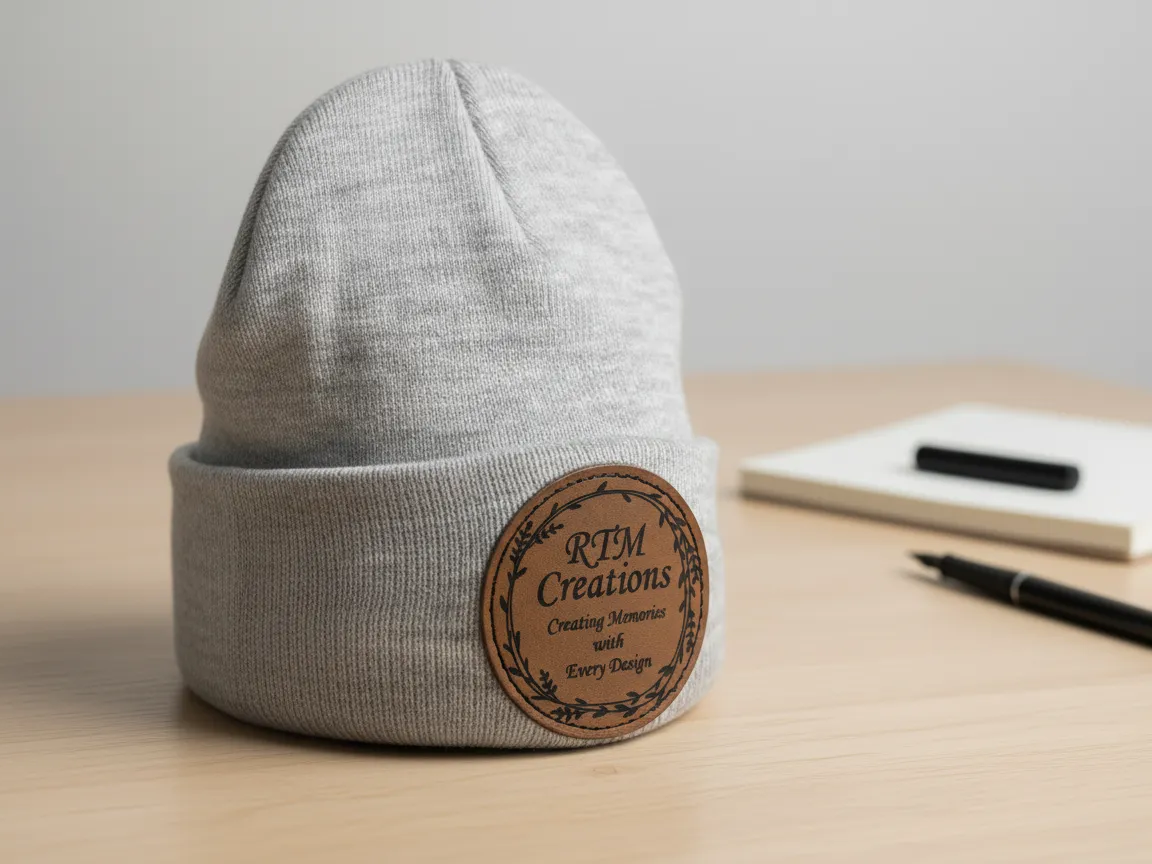
- Application scenario: Laser-engraved leather patch
- Item: Beanie
- Style: Minimalist
A gray knit beanie with a clean engraved leather patch. Neutral colors plus a small logo patch make a versatile, everyday piece that works for personal brands and merch alike.
9. Colorado Snapback
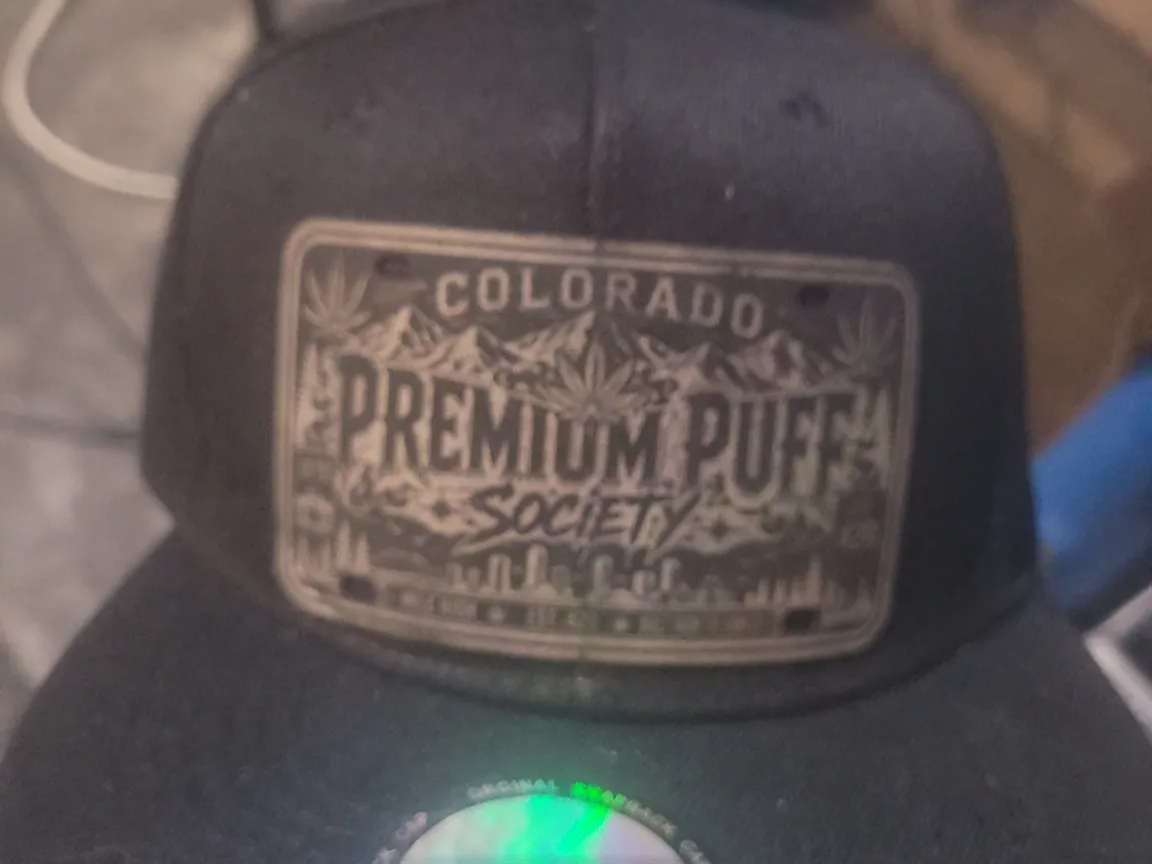
- Application scenario: Patch
- Item: Snapback
- Style: Streetwear club
A black snapback with a "Colorado Premium" society logo patch. Flat-brim snapbacks are a streetwear canvas, and a bold club-style logo patch gives them instant identity.
10. Area 51 Novelty Cap
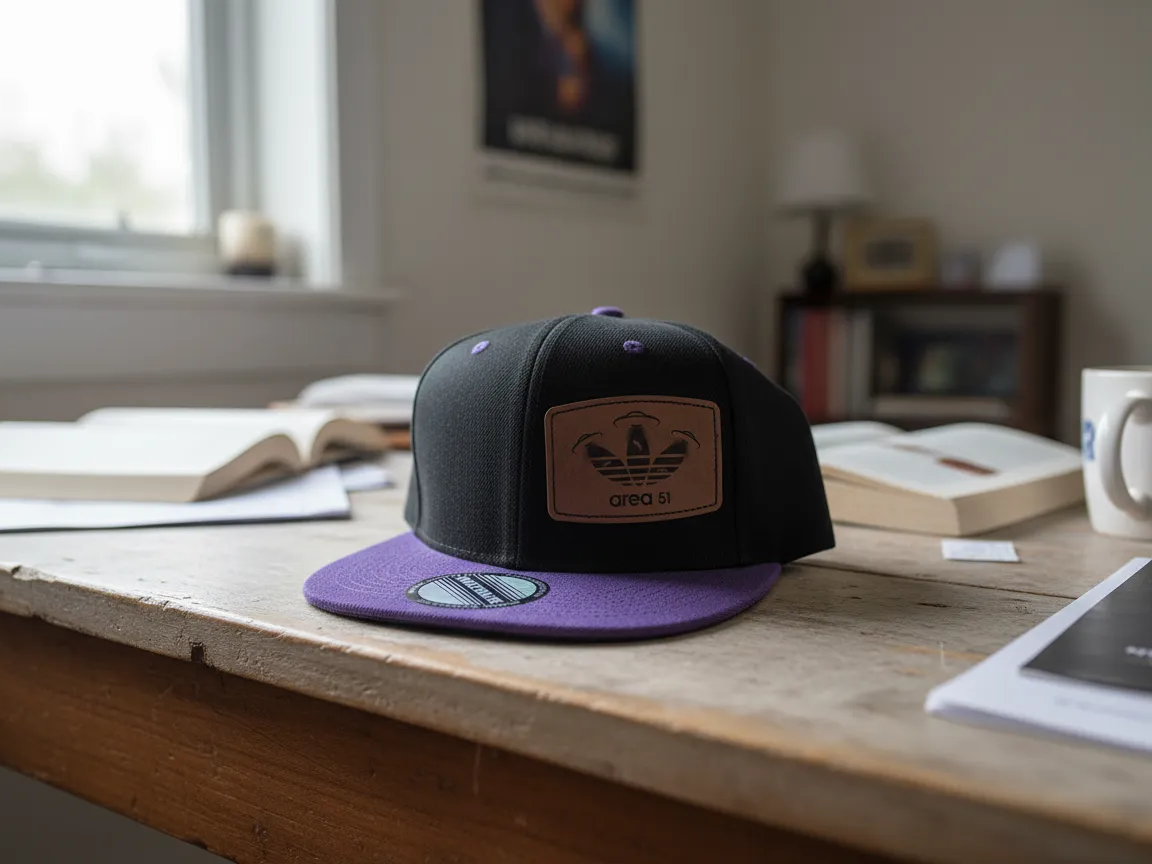
- Application scenario: Laser-engraved leather patch
- Item: Cap
- Style: Novelty
A cap with a fun engraved "Area 51" leather patch. Novelty and pop-culture themes are easy conversation starters, and a leather patch keeps even a joke design looking well-made.
Ready to design your cap?
Pick your cap style and decoration method first. Keep the logo bold and the font legible, place it front-center, and order one sample before you commit to a batch.
Frequently Asked Questions
How do I design my own hat?
Choose a cap style, pick a decoration method (embroidery or a leather patch for beginners), and create a bold, simple design. Add legible text, place it front-center, prep the file, and order a sample. Free tools like Canva and Atomm's AI Font Generator make the design step approachable.
What's the best way to customize a baseball cap?
Embroidery is the most durable, premium option for structured caps, though it needs digitizing. A laser-engraved leather patch is a popular maker route with a rugged look. For a quick DIY job, heat transfer vinyl works. Match the method to your quantity and style.
What font works best on a hat?
Bold, legible fonts work best, because the design area is small and often stitched or engraved. Sans-serif and heavy display fonts hold up; thin scripts and small serifs collapse. Keep text short and sized generously so it reads on the curved panel.
How big can a hat design be?
The front panel gives you only about 2–2.5 inches of usable height on a curved surface. Design within that box from the start, keep shapes bold, and avoid fine detail that won't survive stitching or engraving at that size.
Do I need special software to design a hat?
Not to start. Canva handles layout, and Atomm's AI Font Generator makes custom lettering. You only need special software for production — Cricut Design Space for vinyl, or digitizing software for embroidery. Many makers outsource embroidery digitizing to a service.
Conclusion
Designing a hat starts with two choices — the cap style and the decoration method — and ends with a bold, simple design placed front-center. Nail the design first, keep your fonts legible and your colors few, then pick embroidery, a leather patch, or vinyl. Order one sample to check it on the curve, and you're ready to produce.